
Opening Placeback
Make sure Placeback is correctly installed via the installation guide. If done correctly, the Placeback icon should be visible in the upper right extensions panel.
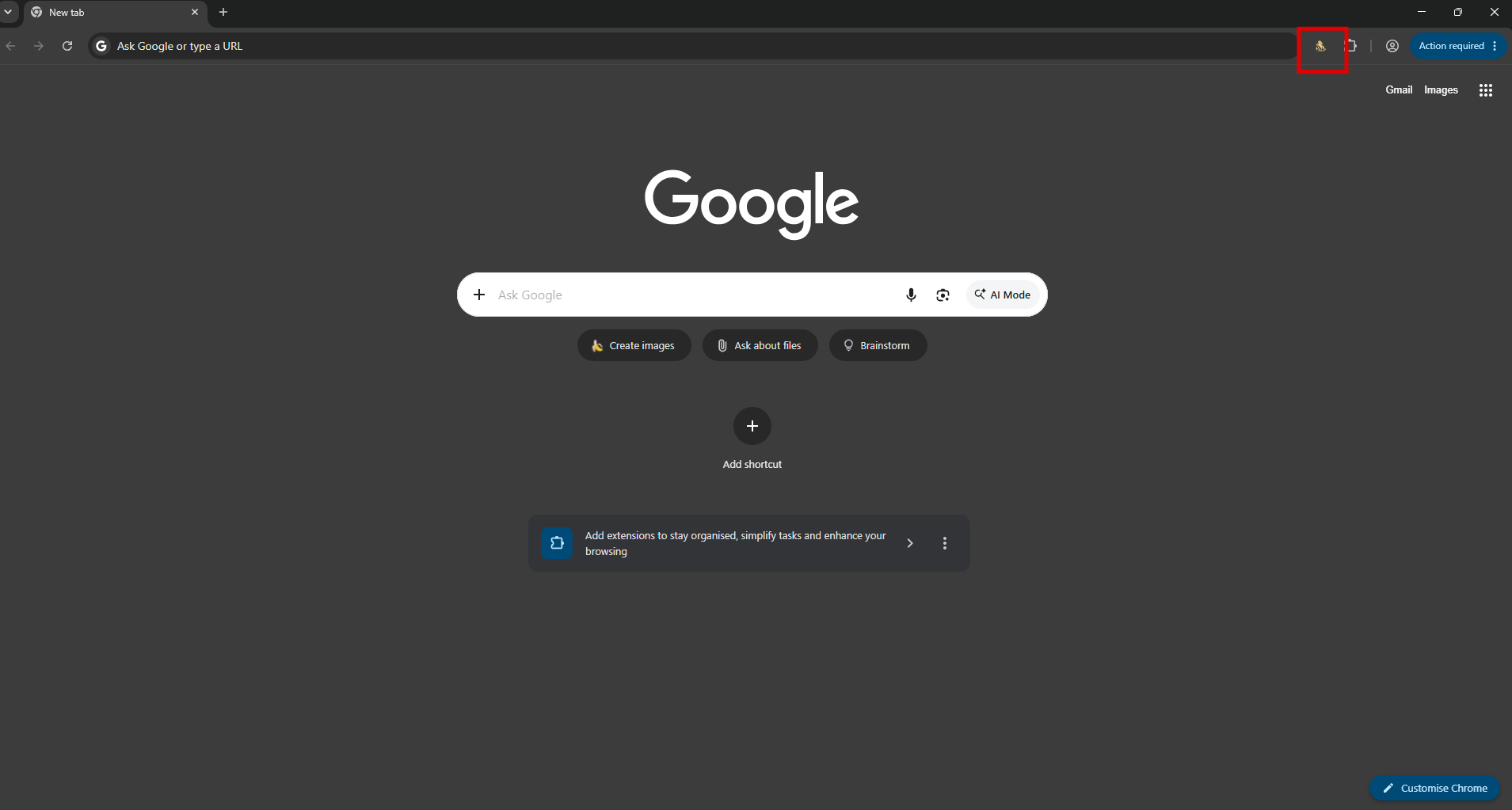
Click this icon. Placeback should open and prompt you to login. Enter your email and password and click 'Log in'. If you account is linked to an active membership, Placeback will correctly open. This log in will only show up once; each subsequent usage will load directly into Placeback.