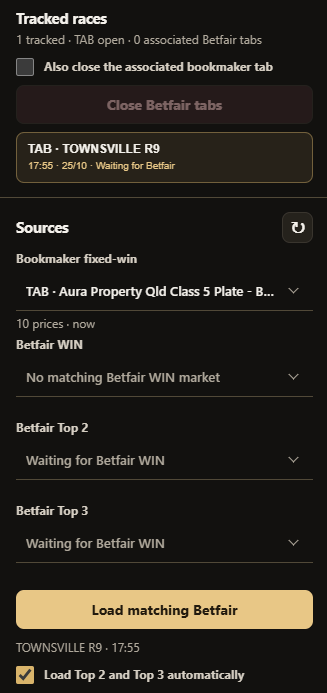
Loading the Race into Placeback
Once the bookmaker tab containing the race is open and loaded, navigate to the Placeback extension. If it is not already open, open it by clicking the logo in the extensions panel up the top right of chrome.
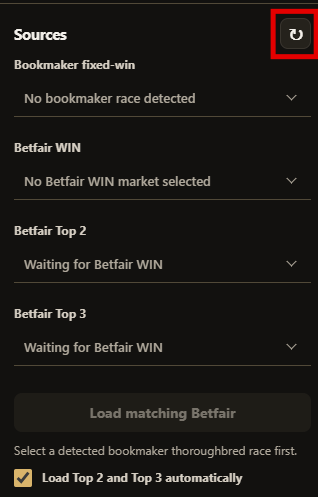
Locate the 'Sources' panel on the left sidebar. Click the refresh button.
The loaded race should be displayed in the 'Bookmaker fixed-win' box. If it is not displayed, open the dropdown menu and select it from the list. The race will also be listed in the 'Tracked races' panel.